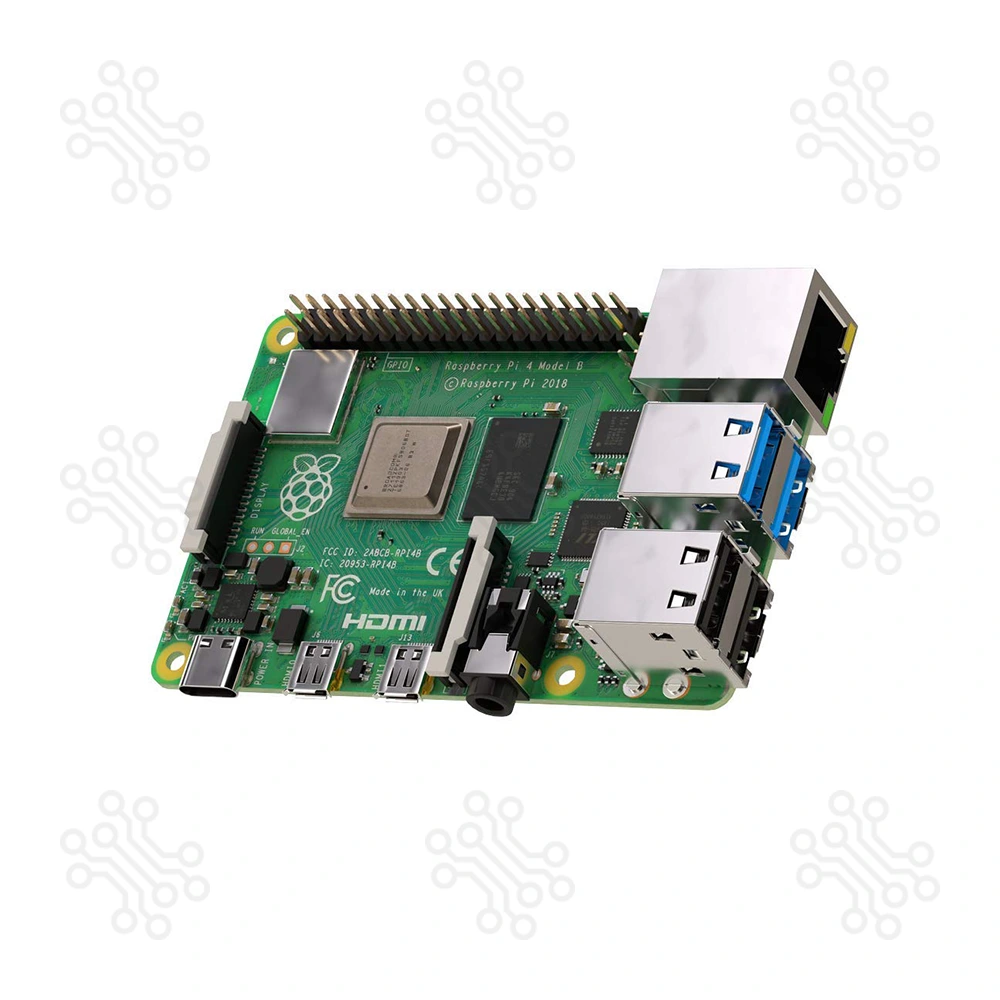
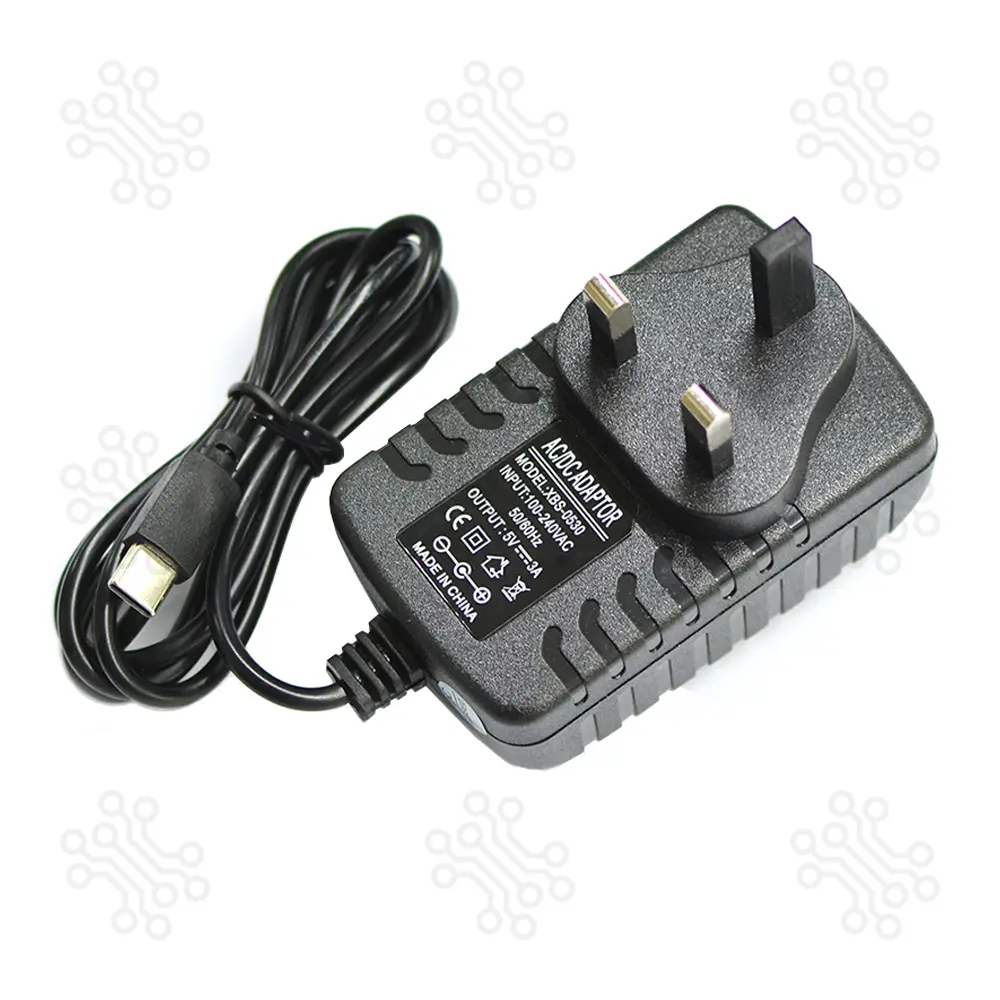
Description of Touchscreen LCD Hat for Raspberry Pi 4 The Touchscreen LCD Hat for Raspberry Pi 4 is a compact, high-resolution 3.5-inch HDMI display with integrated resistive touch functionality. Designed specifically for the Raspberry Pi 4 and backward compatible with earlier models, this plug-and-play module offers a cost-effective and portable alternative to full-sized monitors. Whether you’re building a smart device, kiosk, or interactive project, this display is perfect for embedded and on-the-go applications. Key Feature 3.5-inch HDMI display with a refresh rate over 60 FPS Native resolution: 480×320 (scalable up to 1920×1080 via software) Full compatibility with Raspberry Pi 4, 3 B , 3 B, 2 B, Zero, Banana Pi, and BeagleBone Black Functions as a standard HDMI screen for PC, TV boxes, PS4, Xbox, and Switch Resistive touch support on Raspberry Pi OS (Raspbian), Ubuntu, Kodi, and Win10 IoT Adjustable screen backlight and HDMI audio output Plug-and-play PC display (Windows 7/8/10; no touch support on PC) CE and RoHS certified for safety and quality assurance Technical Specifications Parameter Specification Display Size 3.5 inches Display Driver MPI3508 Native Resolution 480 × 320 pixels Scalable Resolution Up to 1920×1080 (3:2 aspect ratio recommended) Touch Technology Resistive (single-touch) Power Consumption 0.20A @ 5V (max brightness), 0.15A @ 5V (backlight off) Package Dimensions 143 × 134 × 51 mm Shipping Weight 0.118 kg Shipping Box Size 15 × 13 × 5 cm Hardware Interface Overview Backlight Button: Tap to adjust brightness (10% steps); long press (3s) to turn off HDMI Input: Video signal input from Pi or other HDMI sources Audio Port: HDMI audio output via amplifier interface USB Power Input: Requires 5V 1A for stable operation 26-Pin GPIO Header: Enables power and touch signal input/output with Raspberry Pi Setup Instructions Method 1: Online Quick Setup (Recommended) Flash the latest Raspbian OS to your SD card. Connect the display to the Raspberry Pi. Open terminal or SSH (via PuTTY) and enter: sudo rm -rf LCD-show git clone https://github.com/goodtft/LCD-show.git chmod -R 755 LCD-show cd LCD-show/ sudo ./MPI3508-show Method 2: Offline Installation Flash Raspbian/Ubuntu OS using SDFormatter and Win32DiskImager. Copy LCD-show.tar.gz to the SD card root. Edit config.txt with the following additions: hdmi_force_hotplug=1 config_hdmi_boost=7 hdmi_drive=2 hdmi_group=2 hdmi_mode=87 hdmi_cvt 480 320 60 6 0 0 0 Boot the Raspberry Pi and run: cd /boot cp LCD-show.tar.gz ~ cd ~ sudo tar zxvf LCD-show.tar.gz cd LCD-show/ sudo ./MPI3508-show Using with PC Connect via HDMI for display and USB for power. Ensure other monitors are disconnected during setup. Touch functionality is not supported on Windows PCs. Software Resources Driver Archive: LCD-show.tar.gz Pre-configured OS Support: Raspbian (all Raspberry Pi models) Ubuntu MATE 22.04 (Pi 4/3/2) Kali Linux 2022.1 (Pi 4/3/2) Utilities Required: SDFormatter, Win32DiskImager, PuTTY Applications Portable Raspberry Pi projects Touch-based control interfaces IoT data display Educational tools and experiments Mini kiosks and info terminals Retro gaming displays Packaging Details 1 × Touchscreen LCD Hat for Raspberry Pi 4 Note : This package includes only the 3.5-inch Touchscreen LCD Hat. Raspberry Pi is not included and is shown in images for demonstration purposes only. Attention Note: This item is non-returnable. If it arrives damaged or is not functioning properly, please don't hesitate to contact us to determine if further action is required. Need Help? Our engineers are available to assist you. If you have any queries, please leave a comment below or call 09678110110 from 09:00 am to 08:00 pm (7 days a week). You can also reach us via Live Chat or Facebook Inbox. Frequently Asked Questions (FAQ) 1. Is this display compatible with Raspberry Pi 4 and other models? Yes, it works with Raspberry Pi 4, 3 B , 3 B, 2 B, Zero, Banana Pi, and BeagleBone Black. 2. Does the screen support touch input? Yes, it uses resistive single-touch technology (supported on Raspberry Pi OS, Ubuntu, etc.). 3. How do I install and set it up? Use the official GitHub script or the manual config.txt method (a detailed setup guide is included). 4. Can I use this display with a PC or gaming console? Yes, it works as a standard HDMI display (no touch support on Windows). 5. Is the Raspberry Pi included in the package? No, only the LCD Hat is included. The Raspberry Pi shown in the images is for demo purposes only.
.jpg)
.jpg)